
The Cute Cat That Stole Your Credentials
Who would have told Benjamin Delpy back in 2011 that the tool he casually built and named Mimikatz would go on to become one of the most iconic credential-theft and pentesting tools in history?
I do not know if it is movie-script material, but the story is definitely a curious one. So let’s start at the beginning.
The Beginning
Back then, Benjamin was experimenting with C and getting his feet wet in the world of programming when he stumbled across a critical flaw in Windows systems, specifically in how user passwords were protected in memory. Doing the right thing, he responsibly reported the issue to Microsoft.
The response was… predictable.
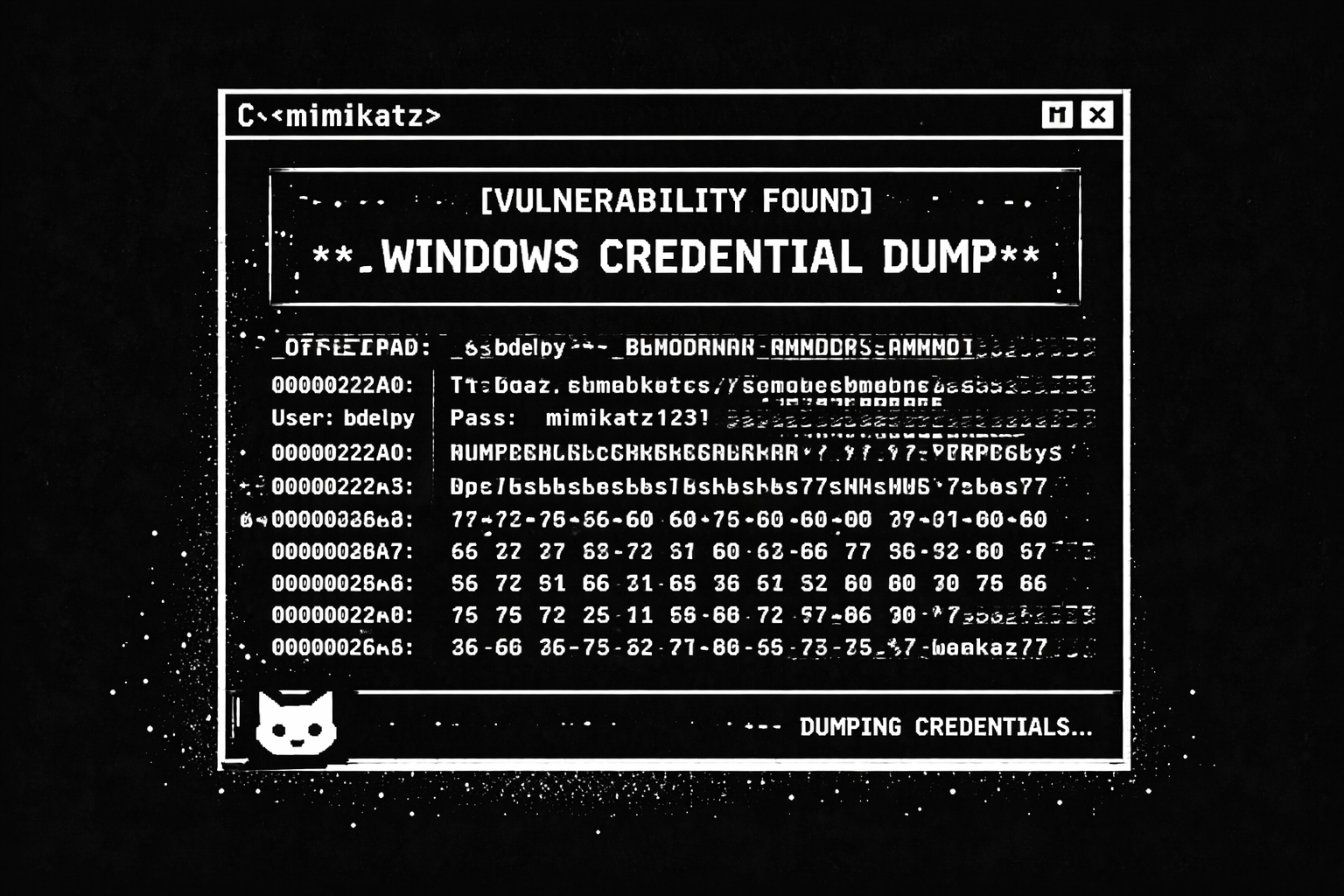
Microsoft downplayed the vulnerability, arguing that it was not a real issue because it was too difficult to exploit.
So Benjamin did what any curious developer would do. He proved them wrong.
That is how Mimikatz was born. The name itself is a playful nod to “cute cat,” but the tool was anything but harmless. It made something Microsoft considered “too hard” suddenly very easy.
When Delpy presented Mimikatz at the Positive Hack Days conference in Moscow, it caused a serious stir. So much so that, during his stay, he reportedly encountered a spy attempting to tamper with his laptop in his hotel room. Not bad for a side project.
Fast forward to today, and after years of evolution, Mimikatz is still everywhere. It remains a go-to tool not only for cybercriminals, but also for security professionals and red teams alike.
So… how does Mimikatz actually work?
At a high level, Mimikatz is able to extract credentials from Windows systems by abusing the way Single Sign-On works. More specifically, it takes advantage of a weakness in WDigest, a component that stores encrypted passwords and their secret keys directly in memory.
Despite being known as risky for years, WDigest remained enabled by default until Windows 10. Even today, while it is disabled by default, it is still present on the system, meaning an attacker only needs to enable it as an extra step.
There are a few important things to keep in mind here.
First, an attacker needs valid credentials on the target system. These often come from other techniques like phishing, malware, or credentials harvested from data leaks and the dark web.
Second, and most importantly, the attacker needs administrator privileges. This is yet another reason why superuser accounts are dangerous and usually unnecessary. Surprisingly, many people still operate with a mindset from 20 years ago, believing they cannot use a computer properly without full admin rights.
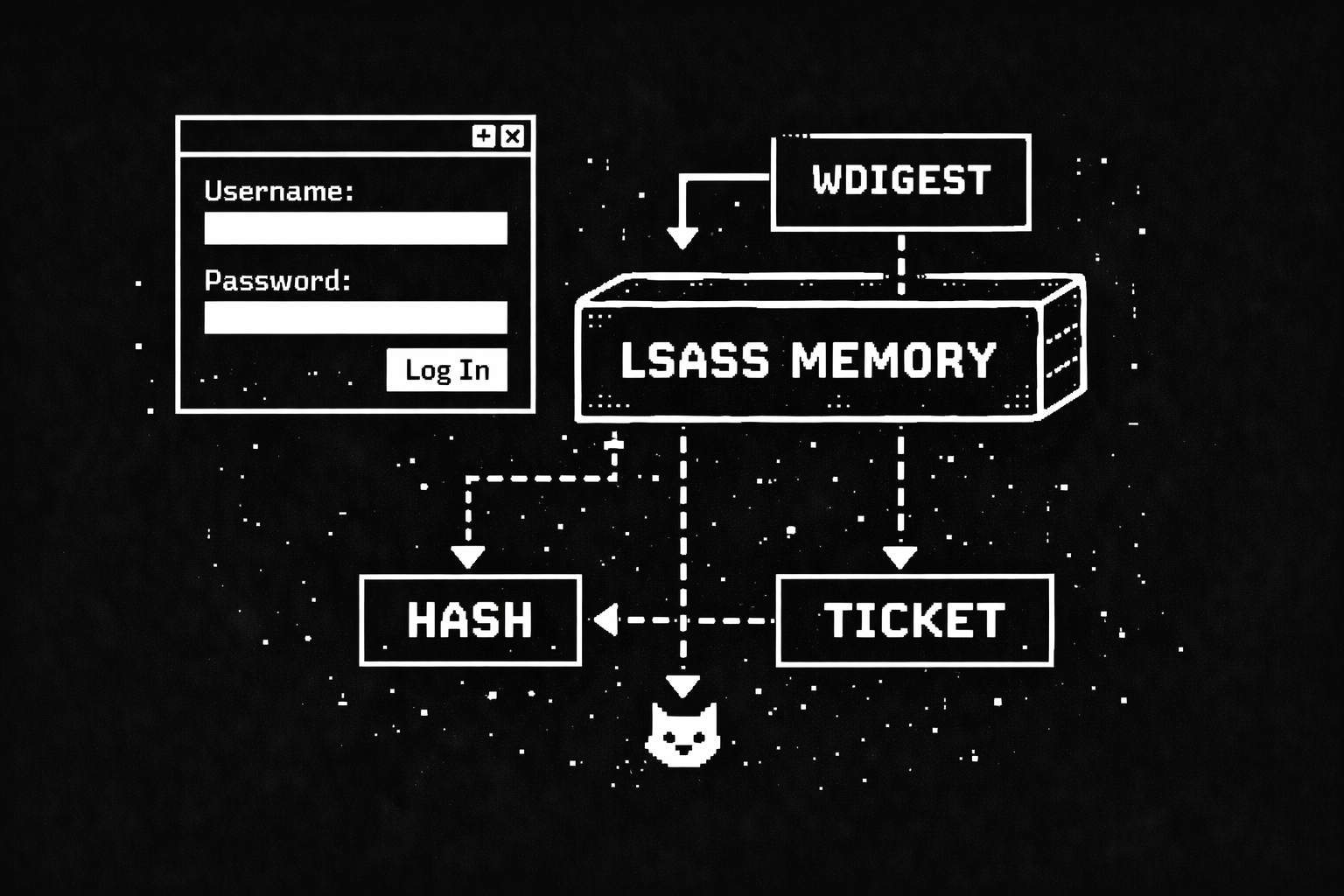
What is Mimikatz capable of today?
Originally, Mimikatz focused on exploiting the Windows weakness described above. Over time, it evolved and adapted to modern environments. Today, it supports multiple credential-theft techniques, including:
Pass-the-Hash
Mimikatz does not need to crack the password at all. It simply extracts the NTLM hash stored by Windows and uses it directly for authentication elsewhere.
Pass-the-Ticket
Similar to pass-the-hash, but focused on Kerberos tickets used in newer Windows versions. Mimikatz captures the full ticket and reuses it to authenticate to other systems.
Overpass-the-Hash
This technique impersonates a user using a single key obtained from an Active Directory domain controller.
Kerberos Golden Ticket
One of the most powerful attacks. Mimikatz extracts the ticket of the hidden KRBTGT account, which is used to sign all other Kerberos tickets. With this, an attacker can gain full domain administrator privileges.
Kerberos Silver Ticket
This attack abuses the Kerberos TGS ticket. Once issued, Windows does not properly validate its later use, which attackers can exploit.
Pass-the-Cache
Similar to pass-the-ticket, but targeting non-Windows systems. This technique extracts cached and encrypted credentials from macOS, Unix, and Linux systems.
How can you defend against Mimikatz?
There is no single fix, but there are several effective defensive measures:
❋ Avoid using superuser or administrator accounts unless absolutely necessary.
❋ Keep systems fully updated. Seriously. Always.
❋ Disable password caching to prevent Mimikatz from extracting user hashes.
❋ Disable WDigest entirely. On older systems like Windows 7, patches such as KB2871997 help mitigate this.
❋ Prevent users from storing passwords for network resources.
❋ Enable LSA protection (available from Windows 8.1 / Server 2012 onward) to block third-party access to LSASS.
❋ Disable legacy NTLMv1 wherever possible.
❋ Disable debug privileges, which Windows grants to administrators by default.
Mimikatz is a perfect example of how a single design decision can echo for years. What started as a proof-of-concept became a foundational tool in both attack and defense, and it remains just as relevant today as it was over a decade ago.